How long does it take to create a 3D visualization?
Architectural visualizations have become an integral part of modern design, project presentation, and real estate development sales. However, we often hear the same question from clients: “How long does it take to create a 3D visualization?”
The answer is not entirely straightforward, because the time required depends on several factors—from the type of visualization and the scope of the project to the level of detail, the readiness of input materials, and the final purpose of the visualization. In this article, we look at all the key aspects that influence the production timeline of a 3D visualization.

1. The type of visualization affects the timeline
The first factor is the type of visualization requested by the client. The basic types include:
Static exterior visualizations:A single view of a building or interior. Production time typically ranges from 3 to 10 working days, depending on the complexity of the architecture and its surroundings.
Interior visualizations:These require detailed work with materials, lighting, furniture, and spatial atmosphere. Processing one to two main views usually takes 5 to 12 working days.
Animations and walkthroughs:Dynamic visualizations are more time-consuming, as each scene must be rendered from multiple angles and often includes camera movement. A short animation can take 2 to 4 weeks, while more complex video presentations may take several months.
Interactive 3D models and virtual reality:These formats allow clients or the public to move directly within a digital space. Production can take several weeks to a month, depending on project scope and the level of interactivity.
2. Level of detail and photorealism
The more detailed and realistic the visualization, the more time its production requires. Factors influencing complexity include:
Accuracy of materials (wood, metal, glass, façade textures, interior furnishings)
Lighting work: daylight, evening lighting, artificial lighting
Context: surroundings, vegetation, traffic, people, vehicles
Special effects: reflections, transparency, shading, atmospheric effects
Even small details can significantly increase rendering time and the overall production duration.

3. Quality of input materials
Work speed is strongly influenced by the readiness of input materials, which may include:
BIM or CAD building models
Drawings and floor plans
Material specifications
Photographic references of the surroundings or interiors
The more precise and complete the inputs, the less time the visualization artist spends filling in missing information. Incomplete or insufficient materials can extend the process by days or even weeks.
4. Number of revisions
Most professional studios include a certain number of revisions in the process—minor adjustments to colors, composition, materials, or lighting.
One view with 1–2 revisions: usually within 5–7 days
Multiple views or more revisions: can add several days or weeks
It is important to establish a clear approval process and define what is included in the price to avoid unnecessary project delays.
5. Studio capacity and experience
Production speed is also influenced by team experience and available capacity. A professional studio with an established workflow and high-performance hardware can complete the same project faster than a small team or freelancer without professional equipment.
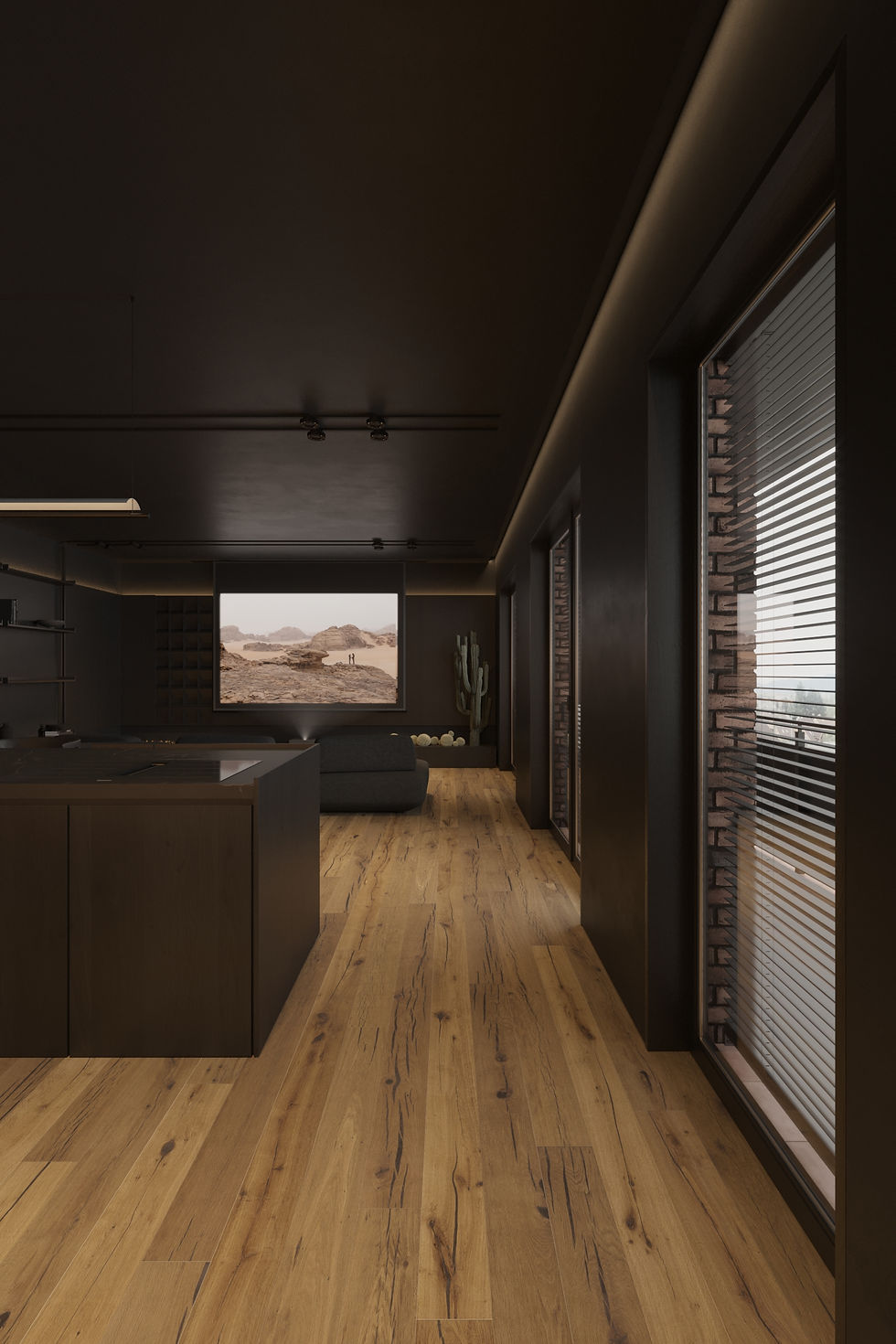
6. Purpose of the visualization
The intended purpose also determines the timeline:
Internal presentation or investor consultation: often requires less detail, resulting in shorter production time.
Marketing, sales, and pre-sales: demand high photorealism and precise work with materials, lighting, and context—therefore requiring more time.
Competitions and public hearings: often require multiple viewpoints or animated sequences in addition to detailed visuals.
7. Practical recommendations for clients
To speed up the process while maintaining quality, we recommend:
Preparing complete input materials—drawings, BIM models, material specifications
Clearly defining the purpose of the visualization—marketing, pre-sales, internal decision-making, or competition
Setting the number of views and revisions in advance—to avoid ambiguity
Communicating clearly and promptly—timely feedback simplifies the work and shortens production time
With these steps, production time can often be reduced by several days or even weeks.
8. Approximate timelines
For a general overview of how long different types of visualizations take:
Type of visualization | Approximate production time |
Simple exterior | 3–7 working days |
Detailed interior | 5–12 working days |
Package of 4–6 views | 10–15 working days |
Short animation (10–20 s) | 2–4 weeks |
Walkthrough or marketing video | 1–2 months |
Interactive model / VR | 2–6 weeks |
These are indicative estimates and may vary depending on project complexity, level of detail, and the quality of input materials.
Conclusion
The time required to create a 3D visualization is not fixed. It depends on project typology, the level of photorealism, readiness of input materials, number of views and revisions, team experience, and the intended purpose of the visualization.
Speed alone should not be the primary criterion—quality and accuracy are often far more important. A visualization is a decision-making and presentation tool that can influence project approval, sales success, and the client’s understanding of the design.
With a well-defined process, clear inputs, and communication with a professional studio, it is possible to achieve an optimal production timeline without compromising quality.


Comments